About This Expression
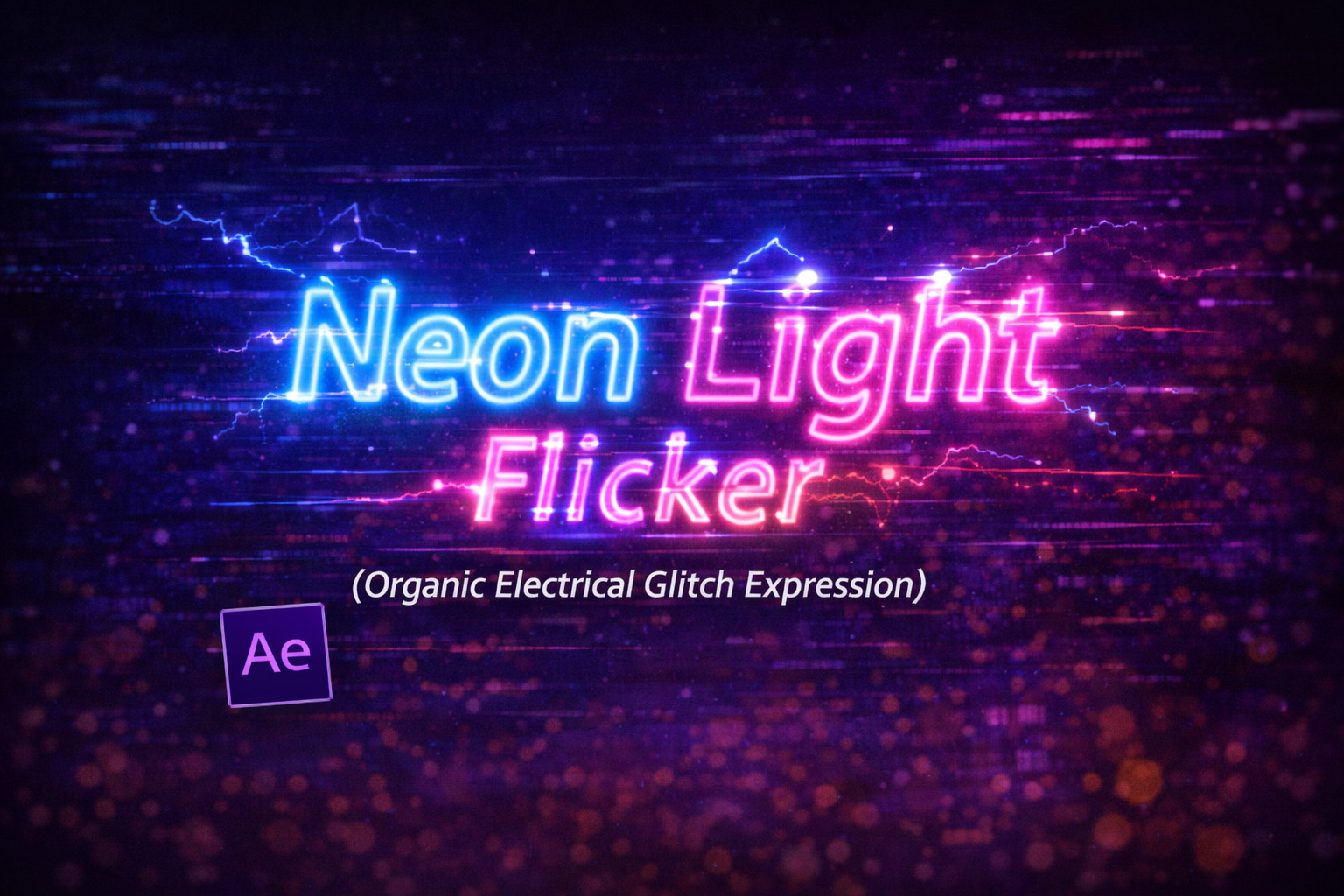
This expression simulates the erratic flicker of a faulty neon light or unstable electrical source. Instead of blinking at a fixed interval like a strobe, it uses probability-based randomness to decide whether the light stays fully on or briefly dips into a dim state.
The result feels organic and imperfect—just like a real neon sign struggling to stay lit in cold weather or during a power fluctuation. Because the flicker is random and non-repeating, it avoids the artificial “looped” look that standard blinking animations often have.
How the Flicker Logic Works
Frame-Stable Randomness
The flicker stays stable per frame, avoiding jitter artifacts.
Probability Control
Each frame has a chance to remain fully visible or drop to a dim value.
Randomized Timing
The random seed is refreshed multiple times per second, creating fast, irregular flickers.
Two-State Behavior
The light is either fully on or partially dim—never smoothly fading—just like real electrical flicker.
Expression
// Simulates a frozen neon sign struggling to stay on
probability = 85; // % chance to be fully visible (0-100)
minOpacity = 70; // 0-100
// High speed flicker
seedRandom(Math.floor(time * 20), true);
val = random(0, 100);
(val < probability) ? value : minOpacity;
How We Use This Expression
Step 1: Select the Neon Layer
This expression works best on:
- Neon text
- Shape layers with glow
- Logos or icons
- Light elements or signs
Select the layer you want to flicker.
Step 2: Apply the Expression to Opacity
- Press T to reveal Opacity
- Hold Alt (Windows) / Option (Mac) and click the Opacity stopwatch
- Paste the flicker expression
- Click outside the editor to apply
The neon will immediately begin flickering.
Step 3: Control How Broken the Light Feels
Inside the expression, adjust:
probability = 85;
95–100→ mostly stable light80–90→ subtle faulty flicker60–70→ clearly broken neon
Step 4: Adjust the Dim State
Change:
minOpacity = 70;
- Higher values → gentle flicker
- Lower values → harsh glitches and power drops
This controls how “dead” the light feels during flickers.
Step 5: Enhance the Neon Look
For best results, combine with:
- Glow (multiple glow passes work great)
- Slight Blur
- Colorized Fill
- Subtle Scale pulse or Light sweep
The expression controls visibility; effects sell the realism.
Step 6: Duplicate for Neon Walls or Signs
If you duplicate the layer:
- Each copy flickers differently
- No two lights behave the same
- Perfect for neon walls or signage
All variation comes automatically from time-based randomness.
Best Use Cases in After Effects
- Neon signs & titles
- Cyberpunk visuals
- Horror or thriller scenes
- Retro storefront signs
- Glitchy UI indicators
Why This Expression Feels Real
Real electrical flicker is unpredictable, not rhythmic. By using probability instead of loops, this expression captures that chaos without becoming noisy or distracting.
You get:
- Non-repeating motion
- Organic electrical behavior
- Lightweight performance
- Zero keyframes or plugins
Recent Blogs
-
Create Procedural Spiral Path (Dynamic Vector Spiral Expression)
-
Animated 2D DNA Helix Path (Procedural Helix Expression)

-
Text Glitch Effect Expression (Real-Time Character Corruption)
-
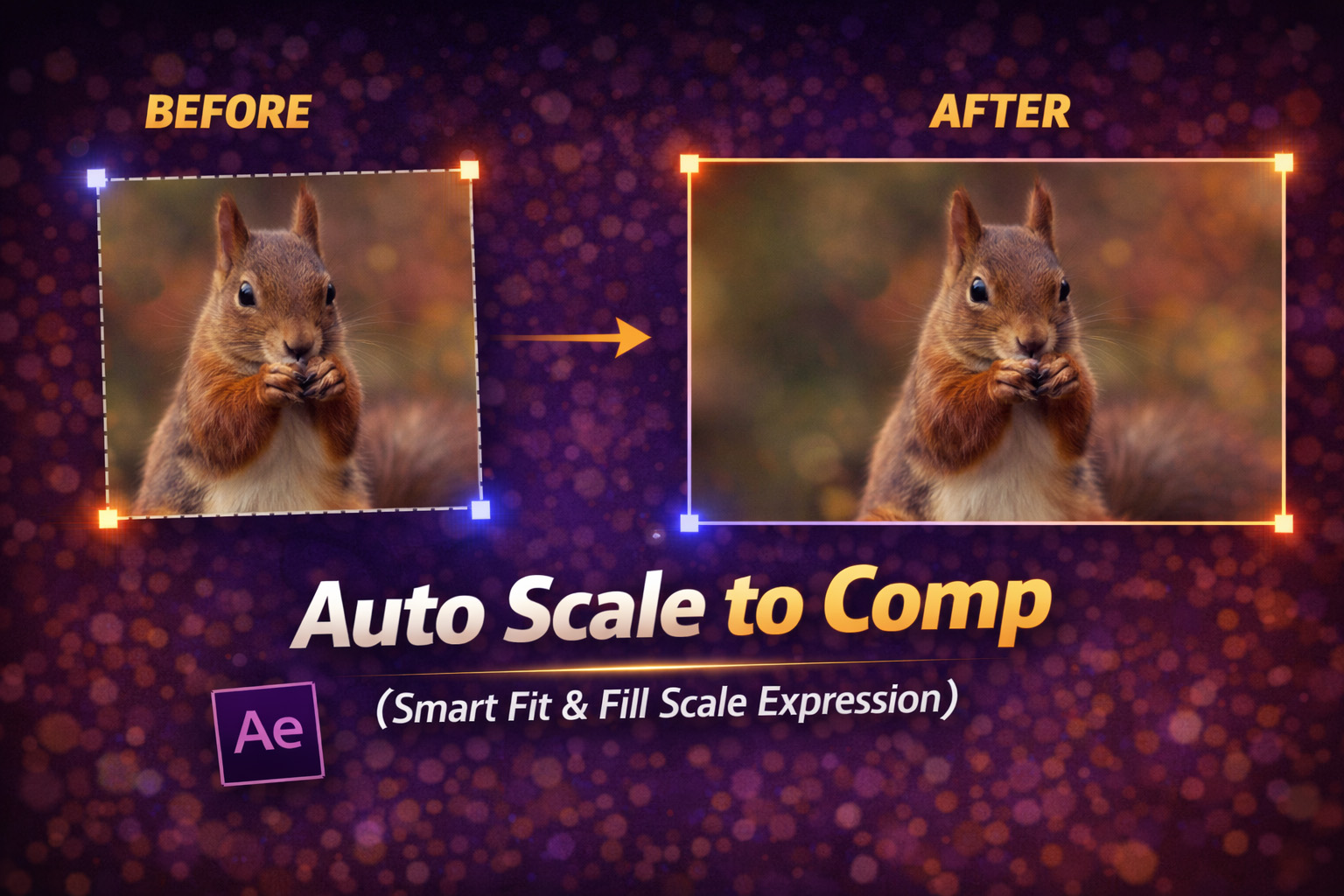
Auto Scale to Comp (Smart Fit & Fill Scale Expression)
-
Snap to Layer or Comp Corners (Dynamic Alignment Expression)
-
Rainbow Color Cycle (Seamless HSL Color Loop Expression)
-
Christmas Lights Color Generator (Procedural Holiday Palette Expression)
-
Hanging Ornament Sway Animation (Natural Pendulum Rotation Expression)

-
Bell Shake & Ring Motion (Impact-Driven Oscillation Expression)
-
Heartbeat Pulse Animation (Biologically Accurate Scale Expression)