About This Expression
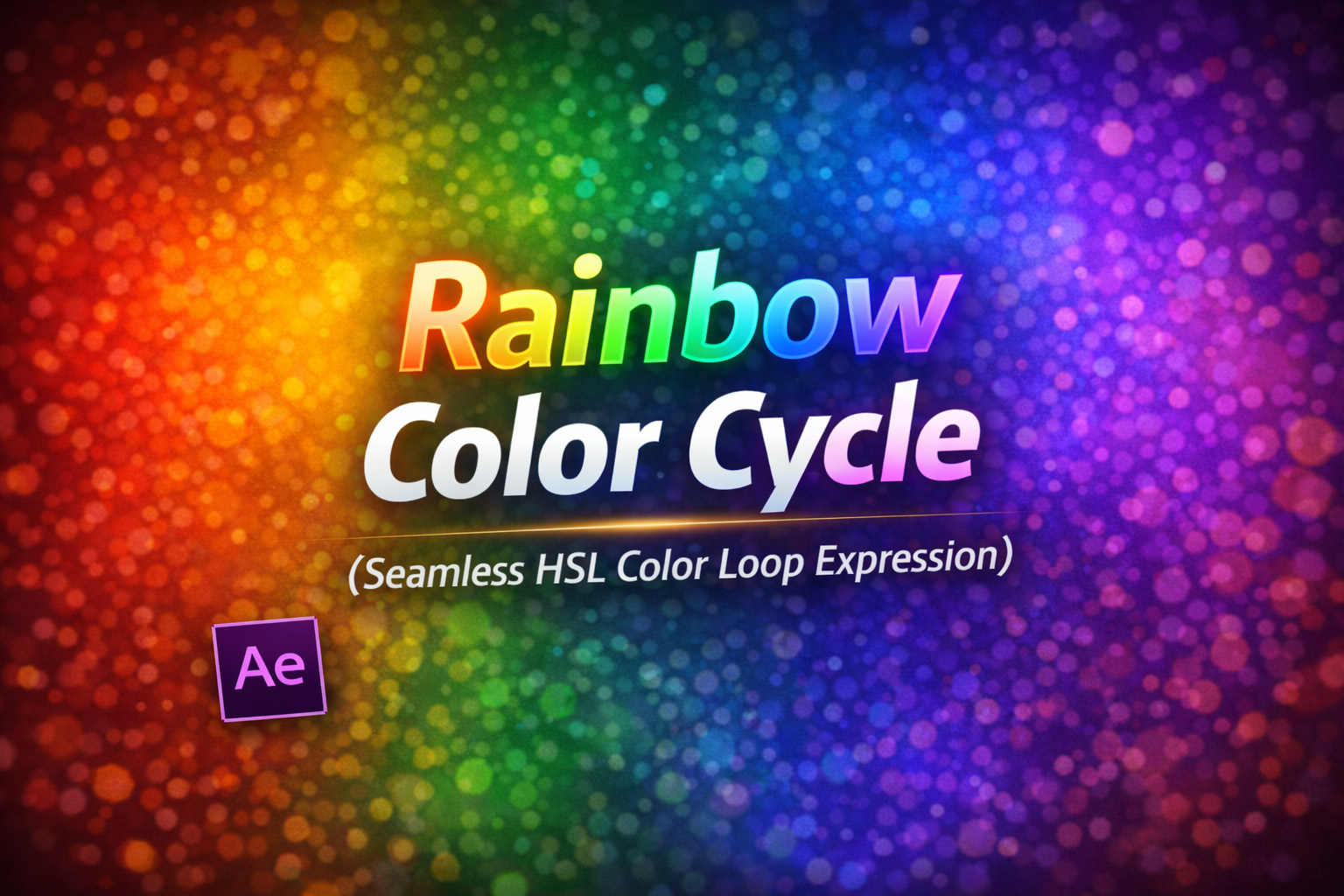
This expression creates a smooth, continuous rainbow color cycle by animating the hue value in HSL (Hue, Saturation, Lightness) color space. Instead of jumping between colors or manually keyframing gradients, it mathematically rotates through the entire color spectrum.
Because only the hue is animated—while saturation and lightness remain constant—the color shift feels clean, balanced, and visually pleasing. There are no harsh transitions, no visible loops, and no color banding.
It’s one of the simplest ways to get a perfect chromatic animation with zero keyframes.
How the Color Logic Works
- Hue Rotation
The hue value continuously increases over time and wraps back to0after reaching1. - Constant Saturation & Lightness
Saturation is kept at full intensity, and lightness stays neutral, ensuring vivid colors without washing out. - Seamless Looping
The modulo (% 1) ensures the hue loops smoothly without snapping. - RGB Conversion
The final HSL value is converted back into RGB so After Effects can display it correctly.
Expression
// Apply to Color property
speed = 1; // Cycles per second
hsl = [time * speed % 1, 1, 0.5, 1];
hslToRgb(hsl);
How We Use This Expression
Step 1: Select a Layer With Color
This expression works on:
- Shape layer Fill Color
- Shape layer Stroke Color
- Text Fill Color
- Effect Color Control
Select the layer and property you want to animate.
Step 2: Apply the Expression to Color
- Reveal the color property
- Hold Alt (Windows) / Option (Mac) and click the color stopwatch
- Paste the expression
- Click outside the editor to apply
The color will immediately begin cycling through the rainbow.
Step 3: Control the Speed
Adjust this value:
speed = 1;
0.2–0.5→ slow, ambient color drift1→ smooth, noticeable rainbow loop2+→ energetic, flashy cycling
The animation always loops perfectly.
Step 4: Use With Multiple Layers
When applied to multiple layers:
- All layers follow the same color logic
- Offset their start time or layer in-point for variation
- Or combine with index-based offsets for staggered rainbows
No extra expressions needed.
Step 5: Enhance the Visuals
For best results, pair this with:
- Glow for neon or light effects
- Blur for soft gradients
- Opacity or Scale pulses
- Masks or track mattes for animated reveals
The expression handles color; effects add style.
Best Use Cases in After Effects
- Logo reveals & branding motion
- Neon titles and outlines
- UI accents & indicators
- Music visualizers
- Social media loops
- Futuristic or playful designs
Why This Expression Is So Useful
Animating hue instead of RGB values avoids messy transitions and guarantees:
- Perfect loops
- Consistent brightness
- No keyframes
- Infinite duration
It’s mathematically clean and visually smooth—ideal for both subtle design accents and bold animated graphics.
Recent Blogs
-
Create Procedural Spiral Path (Dynamic Vector Spiral Expression)
-
Animated 2D DNA Helix Path (Procedural Helix Expression)

-
Text Glitch Effect Expression (Real-Time Character Corruption)
-
Auto Scale to Comp (Smart Fit & Fill Scale Expression)
-
Snap to Layer or Comp Corners (Dynamic Alignment Expression)
-
Christmas Lights Color Generator (Procedural Holiday Palette Expression)
-
Neon Light Flicker (Organic Electrical Glitch Expression)
-
Hanging Ornament Sway Animation (Natural Pendulum Rotation Expression)

-
Bell Shake & Ring Motion (Impact-Driven Oscillation Expression)
-
Heartbeat Pulse Animation (Biologically Accurate Scale Expression)