About This Expression
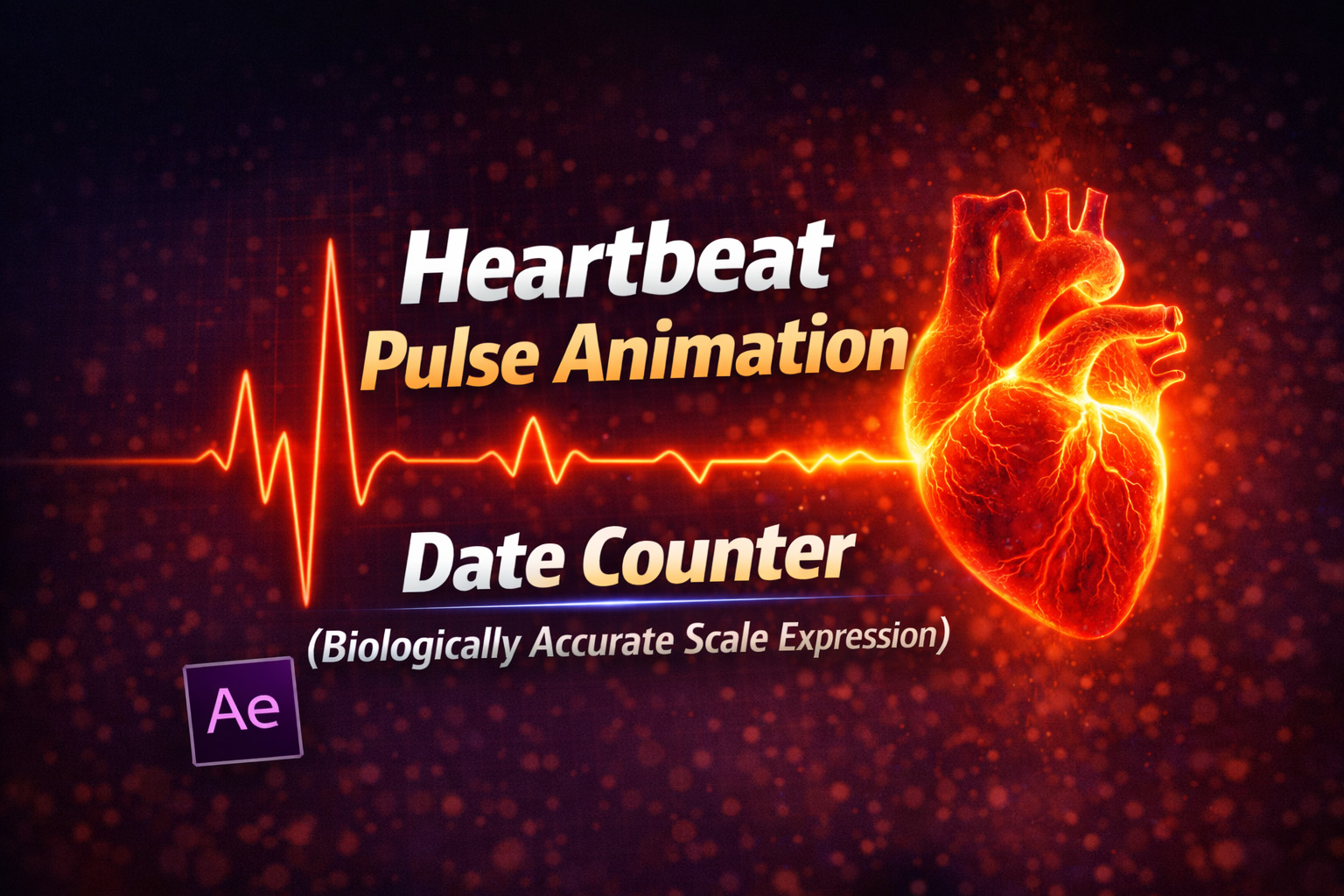
This expression simulates a realistic human heartbeat by recreating the natural “lub-dub” rhythm of cardiac motion. Unlike a basic sine wave that pulses evenly, this setup produces two distinct beats per cycle—closely matching how the heart actually contracts and relaxes.
The motion is driven by exponentially decaying sine waves, which creates a sharp initial contraction (systole) followed by a softer secondary pulse (diastole). The result feels organic, medical, and convincing rather than mechanical.
Because the animation is applied to Scale, it works perfectly for icons, shapes, UI elements, and anatomical visuals.
Expression
bpm = 72; // Beats Per Minute
intensity = 15; // How much to scale up (in %)
period = 60 / bpm;
t = time % period;
// Simulation constants
decay = 20; // How snappy the beat is
gap = 0.35; // Time delay between lub and dub in seconds
pulse1 = Math.sin(t * 20) * Math.exp(-decay * t);
if (pulse1 < 0) pulse1 = 0;
t2 = t - gap;
pulse2 = 0;
if (t2 > 0) {
 pulse2 = Math.sin(t2 * 20) * Math.exp(-decay * t2);
 if (pulse2 < 0) pulse2 = 0;
}
totalPulse = pulse1 + (pulse2 * 0.8);
s = value[0] + (totalPulse * intensity);
[s, s];
How We Use This Expression
Step 1: Select the Layer to Animate
This expression can be used on:
- Shape layers
- Text layers
- Icons or logos
- Heart graphics or UI elements
Select the layer you want to pulse.
Step 2: Apply the Expression to Scale
- Press S to reveal Scale
- Hold Alt (Windows) / Option (Mac) and click the Scale stopwatch
- Paste the heartbeat expression
- Click outside the editor to apply
The layer will immediately start pulsing in a realistic heartbeat rhythm.
Step 3: Set the Heart Rate
Inside the expression, adjust:
bpm = 72;
Common values:
60–70→ resting heartbeat80–100→ excitement or stress110+→ intense or emergency state
The animation updates instantly.
Step 4: Control Pulse Strength
Adjust:
intensity = 15;
- Lower values → subtle UI pulses
- Higher values → dramatic, visible beats
Great for both medical visuals and stylized animations.
Step 5: Refine the Feel
You can fine-tune realism by adjusting:
decay→ sharper or softer beatsgap→ spacing between lub and dub
This lets you match medical accuracy or artistic style.
Step 6: Combine With Other Effects
For stronger impact, pair this with:
- Glow or Fill color changes
- Opacity flicker on each beat
- EKG line animations
- Sound effects synced to BPM
The expression keeps perfect timing.
Best Use Cases in After Effects
- Medical and health animations
- Heart rate monitors & EKG visuals
- Fitness or wellness apps
- Emotional UI feedback
- Logo pulses and intro stings
Why This Approach Works So Well
This expression works because it models real physiological behavior, not just looping math. The eye recognizes the double-beat instantly, making the motion feel alive and believable.
You get:
- Accurate rhythm
- Smooth looping
- Full art-direction control
- Zero plugins or keyframes
Recent Blogs
-
Create Procedural Spiral Path (Dynamic Vector Spiral Expression)
-
Animated 2D DNA Helix Path (Procedural Helix Expression)
-
Text Glitch Effect Expression (Real-Time Character Corruption)
-
Auto Scale to Comp (Smart Fit & Fill Scale Expression)
-
Snap to Layer or Comp Corners (Dynamic Alignment Expression)
-
Rainbow Color Cycle (Seamless HSL Color Loop Expression)
-
Christmas Lights Color Generator (Procedural Holiday Palette Expression)
-
Neon Light Flicker (Organic Electrical Glitch Expression)
-
Hanging Ornament Sway Animation (Natural Pendulum Rotation Expression)
-
Bell Shake & Ring Motion (Impact-Driven Oscillation Expression)