About This Expression
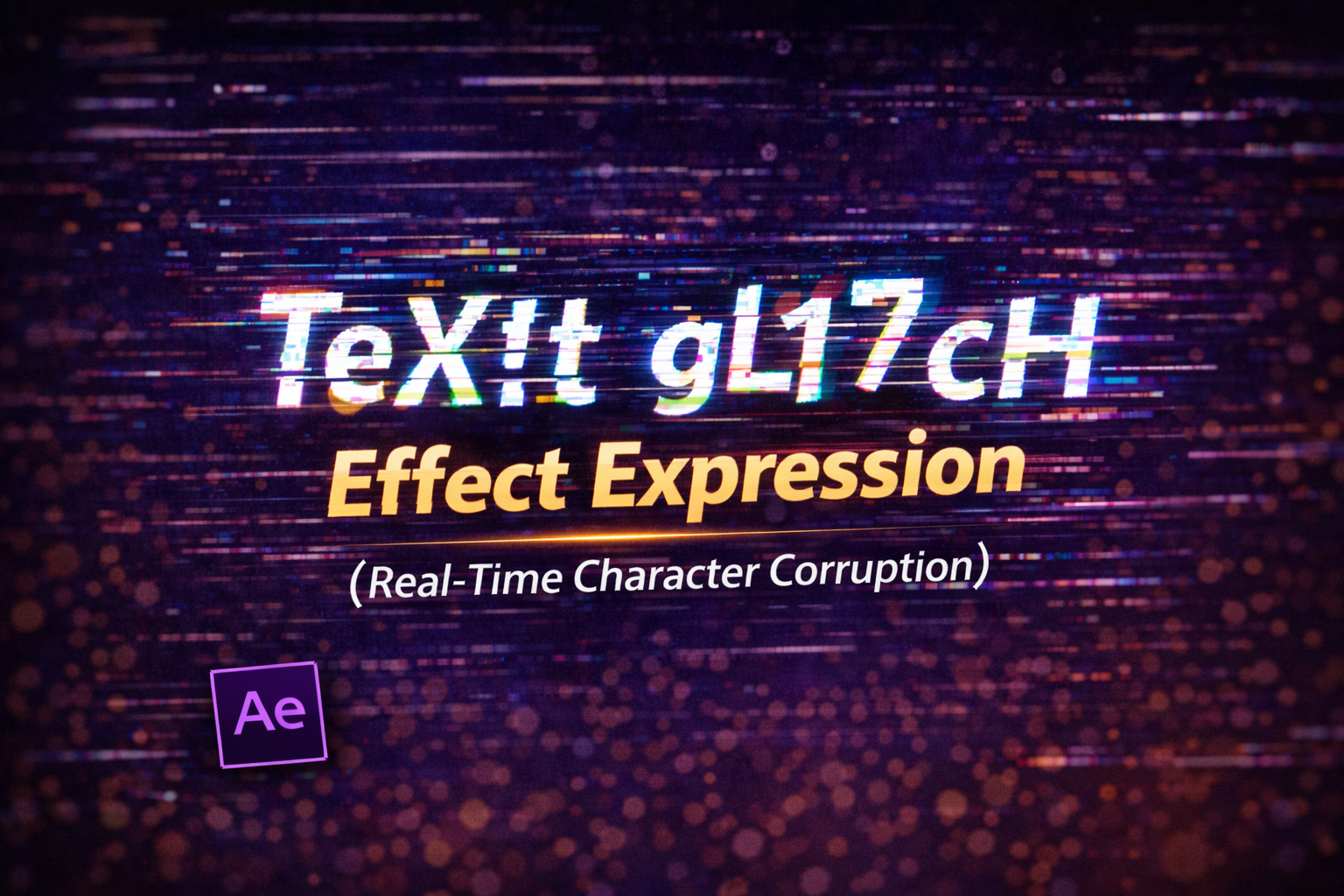
This expression creates a real-time text glitch effect by selectively corrupting characters every frame. Instead of distorting the entire word at once, it works character by character, which makes the glitch feel digital, unstable, and authentic.
The glitch is driven by probability, not looping animation. Each frame, characters may:
- Turn into ASCII symbols
- Swap into Unicode block characters
- Duplicate unexpectedly
- Randomly flip case
Because the corruption is randomized per frame, the result feels chaotic and alive—perfect for tech, cyberpunk, hacker, or horror visuals.
How the Glitch Logic Works
- Frame-Based Randomization
Randomness is recalculated multiple times per second based on time. - Corruption Probability
Each character independently decides whether to glitch or remain normal. - Multiple Glitch Styles
Different corruption types are chosen randomly to avoid repetition. - Whitespace Protection
Spaces are preserved to keep the text readable and structured.
Expression
// Apply to Source Text
originalText = text.sourceText; // Replace with your text or use: text.sourceText
glitchSpeed = effect("Speed")("Slider"); // Glitch speed - Connect to a Slider Control for easier adjustments
corruption = effect("Corruption")("Slider"); // Corruption level (0-100) - Connect to a Slider Control for easier adjustments
corruptionLevel = corruption / 100; // 0-1
// Glitch character sets
glitchChars = "!@#$%^&*()_+-=[]{}|;':\"<>?,./~`";
unicodeGlitch = "▓▒░█▄▀■□▪▫◘◙☼♠♣♥♦";
result = "";
seedRandom(Math.floor(time * glitchSpeed * 10), true);
for (i = 0; i < originalText.length; i++) {
char = originalText.charAt(i);
if (char == " ") {
result += " ";
// Preserve spaces
}
else if (random() < corruptionLevel) {
// Apply corruption
corruptionType = Math.floor(random(4));
switch (corruptionType) {
case 0:
// Random ASCII glitch
result += glitchChars.charAt(Math.floor(random(glitchChars.length)));
break;
case 1:
// Unicode blocks
result += unicodeGlitch.charAt(Math.floor(random(unicodeGlitch.length)));
break;
case 2:
// Duplicate character
result += char + char;
break;
case 3:
// Random case change
result += (random() > 0.5) ? char.toUpperCase() : char.toLowerCase();
break;
}}
else {
result += char;
// Keep original character
}}
result;
How We Use This Expression
Step 1: Create a Text Layer
- Open your composition
- Select the Text Tool (T)
- Type your desired text
Tip: Use fonts like Arial, Roboto, or other system fonts that support a wide range of Unicode characters.
Step 2: Add Expression Controls
On the text layer, add:
- Slider Control → rename to
Speed - Slider Control → rename to
Corruption
These sliders give you live control over the glitch behavior.
Step 3: Apply the Expression to Source Text
- Twirl open Text → Source Text
- Hold Alt (Windows) / Option (Mac) and click the stopwatch
- Paste the full expression
- Click outside the editor to apply
The text will immediately start glitching.
Step 4: Control Glitch Speed
Adjust the Speed slider:
- Low values → slow, subtle corruption
- Medium values → classic glitch flicker
- High values → aggressive digital breakdown
Step 5: Control Corruption Intensity
Adjust the Corruption slider (0–100):
10–25→ light distortion40–60→ heavy glitching80+→ near-total text breakdown
You can animate this slider for glitch bursts.
Step 6: Combine With Other Effects
For stronger results, pair this with:
- Opacity flickers
- RGB split or displacement
- Scanline overlays
- Camera shake or blur
- Glitch sound effects
The expression handles characters; effects handle atmosphere.
Best Use Cases in After Effects
- Cyberpunk & hacker visuals
- Horror or thriller titles
- Tech UI animations
- Error messages & system warnings
- Music videos & trailers
Why This Expression Feels Authentic
Real digital glitches are inconsistent and uneven. By corrupting individual characters instead of the whole word, this expression avoids the fake “preset glitch” look and feels genuinely unstable.
You get:
- Organic randomness
- Non-repeating motion
- Full creative control
- Zero plugins or keyframes
Recent Blogs
-
Create Procedural Spiral Path (Dynamic Vector Spiral Expression)
-
Animated 2D DNA Helix Path (Procedural Helix Expression)
-
Auto Scale to Comp (Smart Fit & Fill Scale Expression)
-
Snap to Layer or Comp Corners (Dynamic Alignment Expression)
-
Rainbow Color Cycle (Seamless HSL Color Loop Expression)
-
Christmas Lights Color Generator (Procedural Holiday Palette Expression)
-
Neon Light Flicker (Organic Electrical Glitch Expression)
-
Hanging Ornament Sway Animation (Natural Pendulum Rotation Expression)
-
Bell Shake & Ring Motion (Impact-Driven Oscillation Expression)
-
Heartbeat Pulse Animation (Biologically Accurate Scale Expression)